Free dynamic QR code generator for Australia.
Create an editable QR code for your menu, booking page or next campaign. Change the link after printing while keeping the same code on your signs. Sign in with Google or a private email link to get started.
Opening your workspace…
Welcome to your QR workspace.
Sign in or create a free account. Your links will be here when you return.
Read our terms and privacy information. Sign-in details are used to protect your workspace.
Already use a username? Sign in below, then add Google or email in Account settings to keep your existing codes.
Use a username and password
Your links, in one place.
Choose a username and password. You will receive a private recovery key to keep somewhere safe.
Private sign-in link
Open your workspace.
Checking your link…
Keep this private
Save your recovery key.
This is shown once. It can reset your password and gives access to your dynamic codes. Store it in your password manager or download a copy. We cannot email a replacement.
Sign-in methods
Add a sign-in method to this workspace. Your codes and printed links stay the same.
For account changes, sign in again if your last sign-in was more than 10 minutes ago. Different workspaces are never merged automatically.
Change your password
You will receive a new recovery key. Other sessions will be signed out.
Delete your account
This permanently removes your account and all its dynamic codes. Existing printed codes will stop working. Export your link list first if you need a copy.
Your codes
Your first code will appear here. Start with a link you control.
Ready for a link that can change.
Create a code or select one from your list. Its permanent QR link stays the same when you update the destination.
Your files encode the permanent QR link. Test the printed code before a full print run.
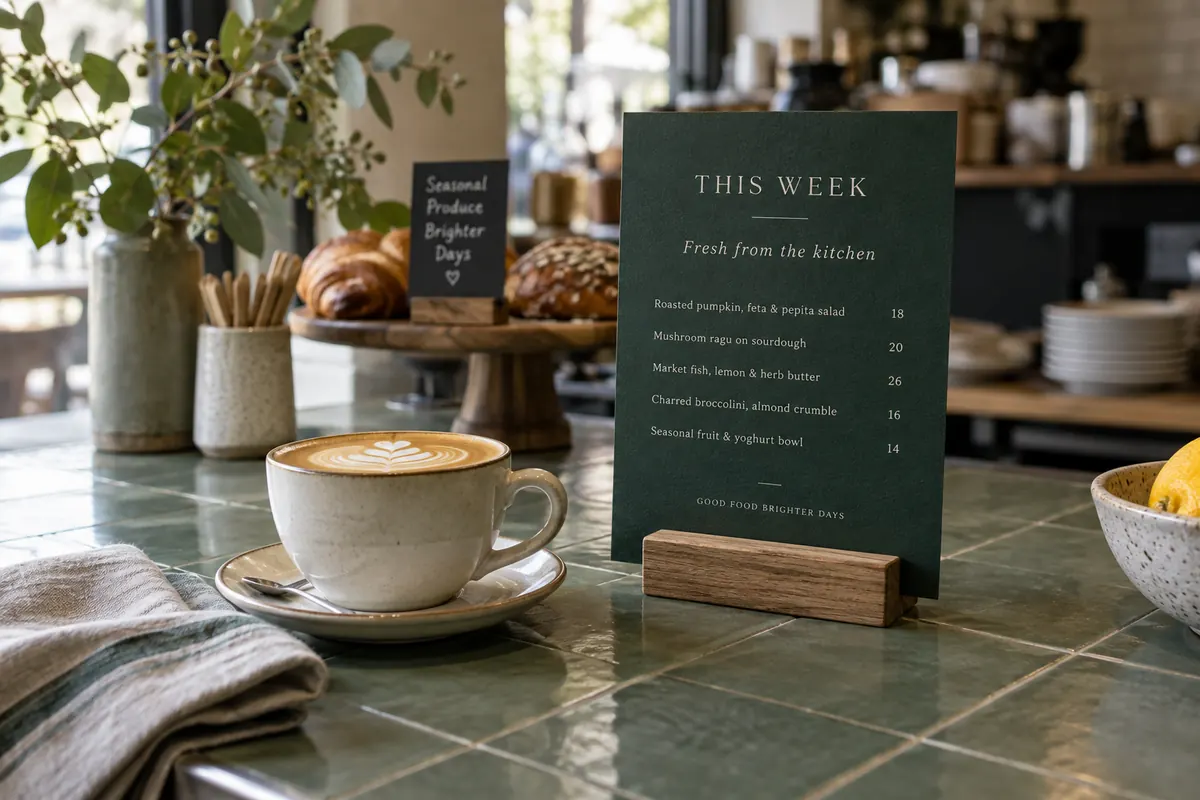
One printed code.
A destination you can change.
A dynamic QR code stores a managed redirect link instead of your final website address. When someone scans it, our service sends them to the destination saved in your account. Update that destination and the same printed code opens the new page.
Think of a café changing from its winter menu to its spring menu. Update the link in your workspace and keep the QR signs already on the tables. The square pattern stays exactly the same.
Use an editable QR code when a booking provider, campaign page, PDF menu or event programme might change. For a link you expect to keep, a static website QR code may be all you need.
Next update: the new menu
What is included
in your free account?
Manage the links you use across your business, from a counter sign to a printed flyer. There is no paid subscription or credit card requirement.
Create your free dynamic QR code- 10 editable QR codes
- Name each code and update its destination from your workspace.
- PNG, SVG & PDF downloads
- Use PNG in everyday designs, SVG for scalable artwork, or PDF for printing.
- Logos, colours & templates
- Open a code in the designer or place it on an editable table card or poster.
- Pause, resume & export
- Pause a link when you need to, resume it later and export a list of your codes.
- Google or email sign-in
- Return on another device with Google or a private email link. Username sign-in is also available.
No per-code scan quota is imposed. Fair-use and anti-abuse controls apply. Scan analytics, team permissions and file hosting are not included. Active codes depend on this service and the destination staying available. See our service terms.
How to create an editable QR code
Start with a link you control. You can design the sign after you create the code.
Open your free workspace
Choose Google or enter your email for a sign-in link. Already have a username account? Sign in with it and add Google or email in Account settings to keep your existing codes together.
Name the code and paste your link
Use a name such as “Front counter menu” and paste the full destination URL. This can be a webpage, online booking form, social profile or publicly hosted PDF. Select Create dynamic code.
Download it or design a sign
Choose PNG, SVG or PDF. To add your branding, select Add a logo & style or Put it on a template from your code. Those options carry the managed link into the artwork. Test your final print before making copies.
Change the destination after printing
Return to the same account, select the code, enter the new destination and choose Save changes. Test an existing print to confirm it opens the right page. You do not need to generate or print a new QR pattern.
Static or dynamic: which QR code do you need?
Both can be scanned with a phone camera. The difference is what happens after you print them.
| Your requirement | Static QR | Dynamic QR |
|---|---|---|
| Change the encoded destination | Create and print a new code | Update the saved link in your account |
| Account | No account required | Free account required |
| What the code contains | Your URL, text, WiFi or contact data | A link through our redirect service |
| Useful for | Fixed links, WiFi details and contact cards | Changing menus, bookings and campaigns |
| Ongoing dependency | No QR Generator AU redirect is needed; linked websites must still work | Our redirect service and your destination must stay available |
| Scan analytics here | Not included | Not included |
Changing content at the same website address does not require a new static QR. Dynamic QR is useful when the address itself changes. Read the full static vs dynamic QR code guide.
Useful wherever your next link might change
Practical ways Australian small businesses and community groups can use one code across several updates.
- Restaurants & cafés
- Keep table signs in place when a seasonal menu moves to a new page or PDF. Host the menu somewhere publicly accessible, then update the QR destination. Explore menu QR options.
- Shops, markets & customer reviews
- Link a counter sign to your latest collection or a review page. Use a separate code for each purpose so a campaign update does not change a review sign too. Set up a Google review QR.
- Salons, clinics & local services
- Print a booking or quote-request code on a business card. If you change booking systems, point the existing code to the new form. Keep personal or patient information off public destination links.
- Events, clubs & property
- Point flyers to the current programme, registration page or inspection details. After an event, you can switch that same code to a public follow-up page. Browse event and property templates.
Give your editable link
a sign worth keeping.
Customise colours, wording and photos in the template editor. Start from your dynamic code’s Put it on a template action to keep its managed link in the finished design.
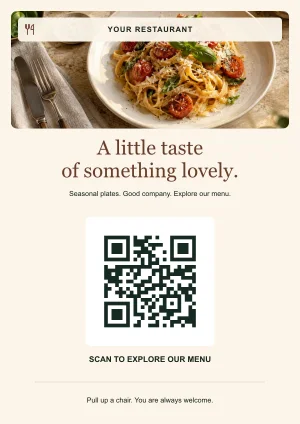
Restaurant menu
A seasonal menu, ready for the table.
Preview template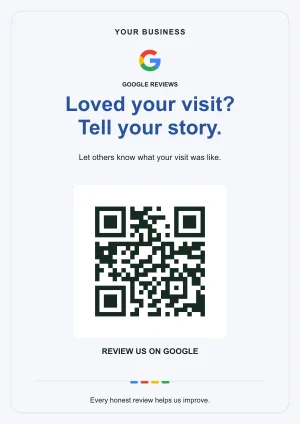
Google reviews
A clear invitation to leave an honest review.
Preview template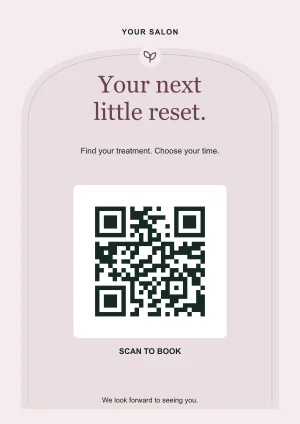
Bookings & appointments
Help clients find their next appointment.
Preview template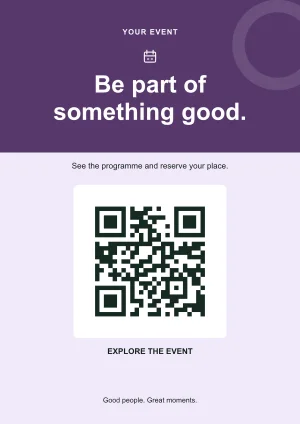
Events & community
Keep the programme close at hand.
Preview templateThese previews use sample QR links. Editing a design changes the new artwork you download; it cannot change colours or text on a sign already printed.
Before you print
a whole stack
A working link is only half the job. The finished code needs to scan on the actual material your customers will use.
Read the QR print-size guide ↗- Leave a clear border. Keep text, photos and decoration outside the QR’s quiet zone. DENSO WAVE specifies a margin four modules wide on every side.
- Keep the contrast clear. Dark code elements on a light, plain background are easier to distinguish. Recheck after adding colours or a logo.
- Try the real print. Scan at the intended distance and under the lighting where the sign will be used. Check with more than one phone.
- Check access to the destination. A menu or brochure should open without your private account. Test public PDFs in a signed-out browser.
- Check again after an update. Open the printed QR and confirm the new page is correct. Our QR image scanner can also help inspect the link in a saved image.
Print reference: DENSO WAVE’s QR code margin guidance.
Guide maintained by Star Shop com, Melbourne. Reviewed against the available tool features. How we write and test · Account and data privacy
Straight answers
Dynamic QR code questions
What is a dynamic QR code?
A dynamic QR code contains a permanent redirect link. You can change its destination in your account while keeping the same printed QR pattern. Your code relies on QR Generator AU remaining available.
Is this dynamic QR code generator free?
Yes. A free account includes 10 dynamic QR codes, destination editing, pause and resume, and PNG, SVG and PDF downloads. No credit card or paid subscription is required. We do not impose a per-code scan quota. Fair-use and anti-abuse controls apply.
Can I change a QR code link after printing?
Yes, if you created it as a dynamic code here. Sign in, choose the code, update its destination and save. Previously printed static codes that contain another website address cannot be converted into dynamic codes.
Can I add my logo or use a restaurant template?
Yes. Open the selected dynamic code in our QR designer or template studio. Your logo, colours and card photos are edited on your device. The finished artwork contains the same managed link, so later destination changes also work on the printed sign.
Do I get scan tracking?
This release provides editable links, without a scan analytics dashboard. We do not claim that requests equal unique people or track individual visitors for scan reports.
How do I sign in on another device or recover my account?
Use the same Google account or request a private link to your linked email address. Email links work once and expire in 15 minutes. Opening one in a different browser requires email confirmation. Username accounts can recover access with their saved recovery key, or use a Google or email method previously linked in Account settings. We cannot recover an unlinked username account without its password or recovery key.
Do free dynamic QR codes expire?
There is no scheduled expiry on codes in this release and no trial countdown. They work while the code is active, the destination is available and this redirect service continues operating. Paused or suspended codes do not redirect. Deleting your account removes its codes and stops existing prints from working.
Can I make a dynamic QR code for a PDF menu?
Yes. Host your PDF on your own website or another service that gives it a public link, then use that link as the destination. When the PDF address changes, update your code. This tool does not upload or host PDFs. Check that visitors can open the file without signing in.
Can I change a printed QR code’s colours, logo or wording?
You can change the destination of a dynamic code without reprinting. To change the appearance of a QR or the wording and photo on a card, edit the artwork and download a new version to print. Those visual changes cannot alter physical signs already distributed.
Can I bring a QR code from another generator?
An existing QR pattern keeps the address originally encoded in it. We cannot take over another provider’s redirect link or turn an existing static QR into a managed code here. Create a new dynamic code on this site before printing if you want to manage its destination with us.
Your next link can change.
Your printed code does not have to.
Start with one code for your menu, booking page or business.