A little square. So many possibilities.
Free QR code generator
for Australia.
Create a code for a link, WiFi or contact details. Add your style and download PNG, SVG or PDF.
Free QR code generator
Made for Australia. Works everywhere.
Static QR · no account needed. Want to change the link after printing? Create a free dynamic QR ↗
The password is encoded into the image itself. Print it only where you’re happy for guests to scan it.
Customise colour, logo & style
High error correction is used for logos. Always test the finished code before printing.
This logo covers a lot of the code. Switch error correction to H and test the printed result before you order a run.
Add your details to create a QR code
Test with your phone before you print. Static codes do not expire; linked pages must stay online.
Generated in your browser. Nothing you type is uploaded.
Start with a ready-made design.
Free to edit · No sign-up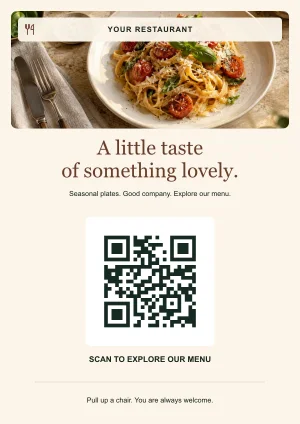
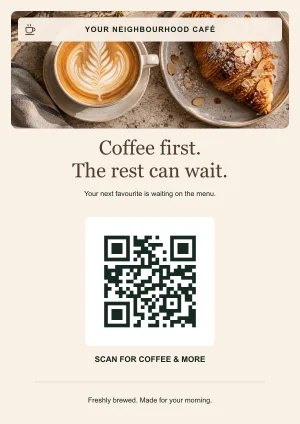
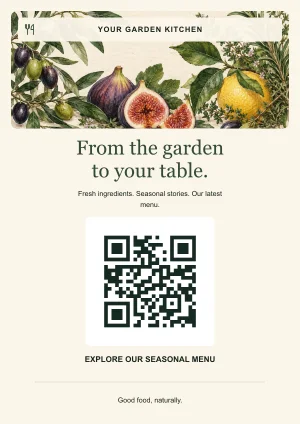
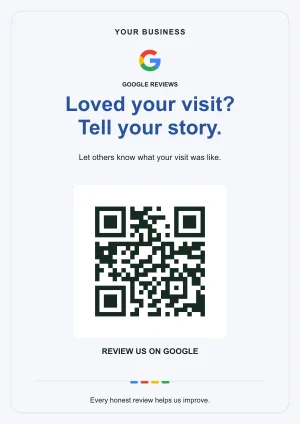
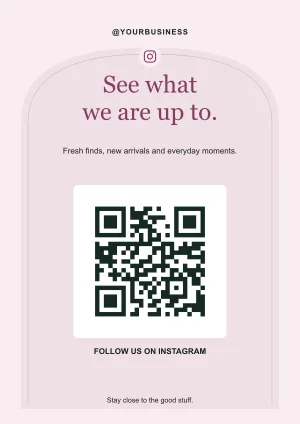
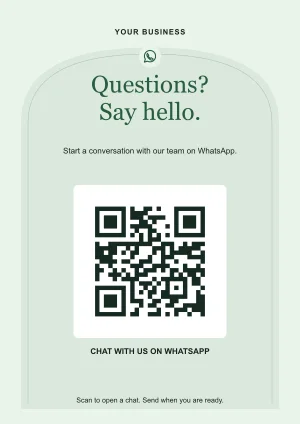
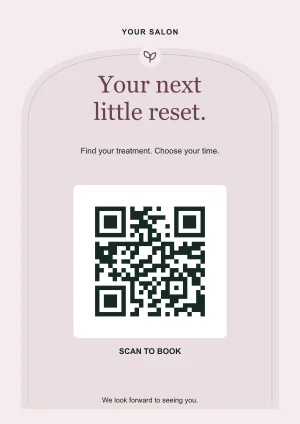
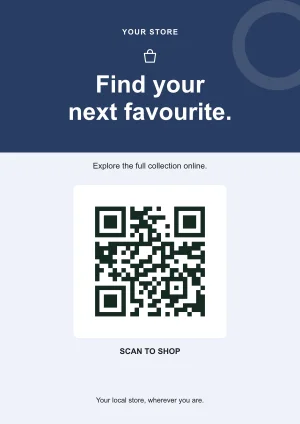
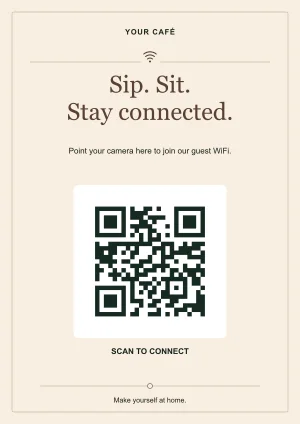
Preview codes open qrgenerator.au. Add your own link or WiFi details in the editor. Included food photos and illustrations are AI-generated, and you can replace them with your own images.
One code, plenty of uses
What would you like to share?
WiFi access
Let guests join without typing a password.
Contact details
Make your business card easier to save.
Menus & PDFs
Take people straight to your current menu.
Google reviews
Share your business review link in a scan.
Bulk QR codes
Turn a CSV list into codes and A4 sheets.
Scan a QR code
Read an image before opening its link.
From an idea to a scan
Three steps.
Nothing in the way.
A table menu, a market-stall sign or a new business card. Start with what you want to share.
- 01
Add your details
Choose the type and enter your link, WiFi details or contact information.
- 02
Make it yours
Keep the classic style or add a colour, logo and a short instruction.
- 03
Download. Test. Share.
Choose PNG, SVG or PDF. Scan the finished artwork before you print.
A better result, on paper and on screen
A few things worth knowing.
Choose the code for the job.
A link, a WiFi password and a contact card look similar as QR images, but they offer different actions when scanned. Start with what your visitor needs to do.
- Open a page or document
- Use a website QR code for bookings, forms or product pages. For a brochure or menu file, link to a publicly hosted PDF. The tool makes the code; your website or file host provides the content.
- Share details directly
- A WiFi code contains network details. A vCard contains contact fields. They can be decoded without a hosted profile, but changing those embedded details means creating a new code.
- Keep the printed code when a link moves
- Create a dynamic QR code before printing. A free account holds 10 editable destinations. The managed redirect relies on this service staying available; scan analytics and team permissions are not included.
- Print a complete sign
- Choose an editable template for menus, reviews, guest WiFi or social accounts. Replace the sample details, add your own photo or logo and test the final artwork in its real setting.
The download is the start of a usable print.
Pick the format your next step needs, then check the exported file rather than relying only on the preview.
PNG, SVG or PDF?
PNG is convenient for documents, slides and digital layouts. SVG keeps the QR shapes sharp when resized in a compatible design tool. The single-code PDF places a code on an A4 sheet; the template editor exports artwork at your selected sign size.
Check the destination and the physical sign
Scan while signed out of the website you are linking to. Then test a printed sample with its actual holder, paper or packaging. Keep the code square and its clear border intact. Our printing guide explains why there is no single guaranteed minimum size.
What stays on your device?
Static QR contents, logos, selected scanner images and batch CSV inputs are processed in your browser. Dynamic account destinations are stored so you can edit them later. Opening an encoded link contacts its destination, which has its own privacy practices. Read the privacy details for the distinction.
Operated by Star Shop com in Melbourne. Practical guidance is checked against the tools and linked sources; examples are illustrative.
Straight answers
Questions Australians ask
Is this QR code generator really free?
Yes. Create static QR codes and download PNG, SVG or PDF without an account. We do not charge per scan or place a time limit on the codes you create.
Will my QR code expire?
The static pattern does not expire and does not depend on a subscription to this site. A linked website, PDF or social account still needs to remain available at the encoded address.
Can I change the destination after printing?
A static code contains the address itself. You can update the content at that address, but changing the encoded URL requires a new code. To manage a destination that may move, create a dynamic QR code before printing; our free dynamic account includes 10 editable links.
Are my WiFi password and contact details uploaded?
No. QR content, logos, CSV lists and images selected for scanning are processed in your browser. Optional analytics records page usage, not the details entered in these tools.
Which format should I download?
PNG is convenient for documents and online use. SVG stays sharp when a designer resizes it. PDF gives you an A4 page for printing. Test the actual printed code before producing a large batch.
Do you offer free dynamic QR codes?
Yes. Create a free account with Google, an email sign-in link or a username to manage 10 editable destinations. Dynamic links depend on this service staying available. Static codes on this page do not require an account.
Can I use these QR codes for my business?
Yes. You can use generated codes in business artwork, subject to your rights in the content, logos and destinations you supply. Test the final file and physical print before distributing it.